

Clover POS systems for every type of business

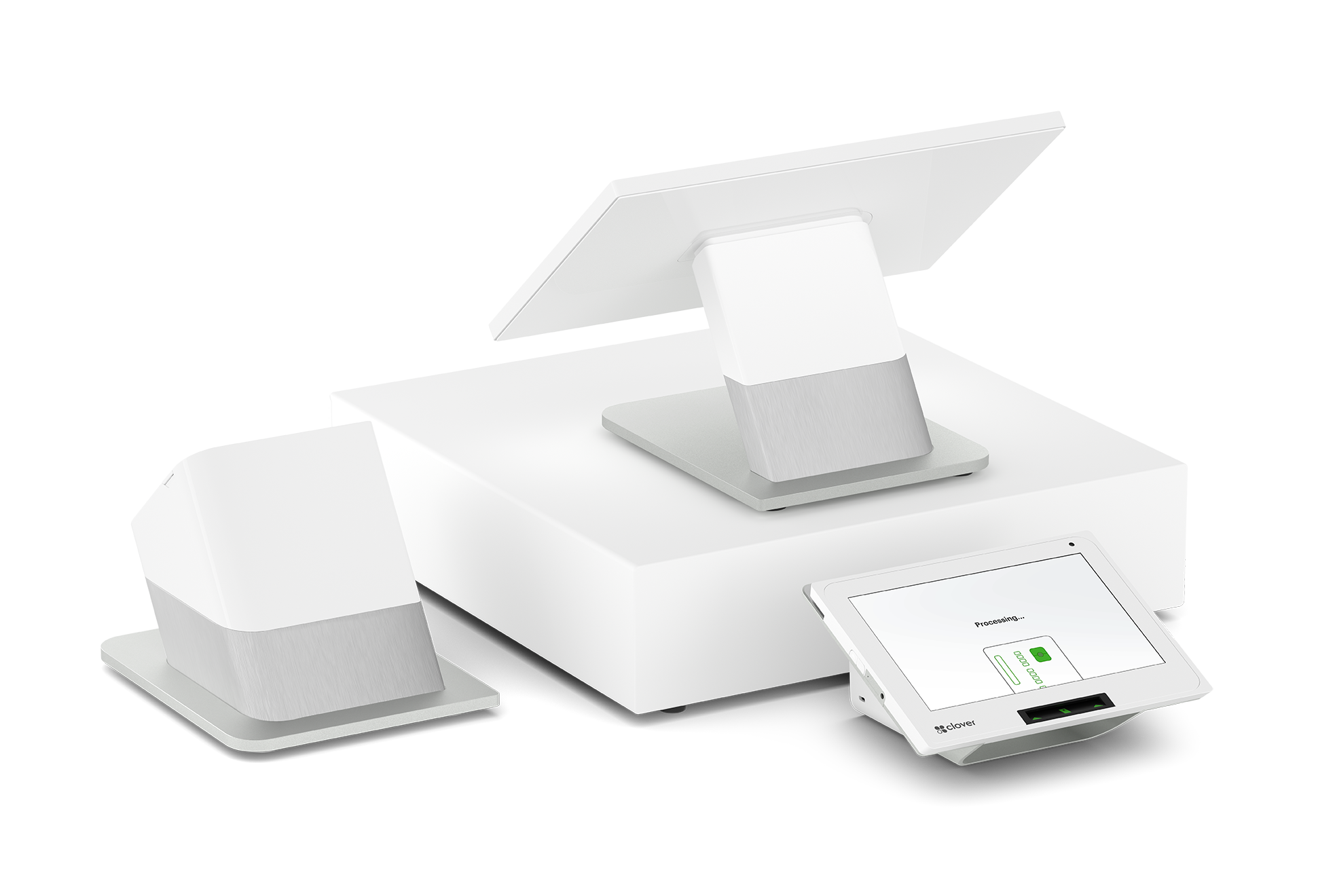
Clover is a point-of-sale system that combines card payments with tools to run your business, such as inventory, menus, employee management and sales reports. It comes in several devices, from a small card reader for your phone to a full countertop register. CashNet helps you choose the right Clover setup, programs it and supports it after you go live.

Get Started
Clover POS systems for every type of business
Choosing the right Point-of-Sale system helps streamline your business and increase revenue

The Clover family

Find your Clover

Clover Go: a small card reader that works with your phone or tablet. Best for mobile businesses and low volume.
Clover Flex: a handheld POS with a built-in receipt printer. Best for tableside payments, curbside and line-busting. Flex Pocket is a smaller version without a printer.
Clover Mini: a compact countertop POS for small shops and cafes with limited counter space.
Clover Station Solo: a full countertop register with a large screen for busy retail and restaurants.
Clover Station Duo: the Station with a second, customer-facing screen, so customers can tap, tip and sign on their side.
Clover Kiosk: self-service ordering and payment for quick-service restaurants.
Kitchen Display System: sends orders straight to the kitchen screen.

CashNet offers the full Clover family.

Still using an older Clover? Clover's first-generation devices (the original Station, Mobile, Mini and Flex) stopped receiving app updates on March 30, 2026. We can help you upgrade and keep your menu and settings.

Find your Clover

How it works

From choosing your Clover to going live in three steps.

1

Tell us about your business

What you sell, how many registers, and whether you need tables, tabs or inventory.
Step-by-Step Walkthrough
2

We set up your Clover

We load your menu or products, connect your account and train your staff. Menu and inventory setup is included at no extra charge.
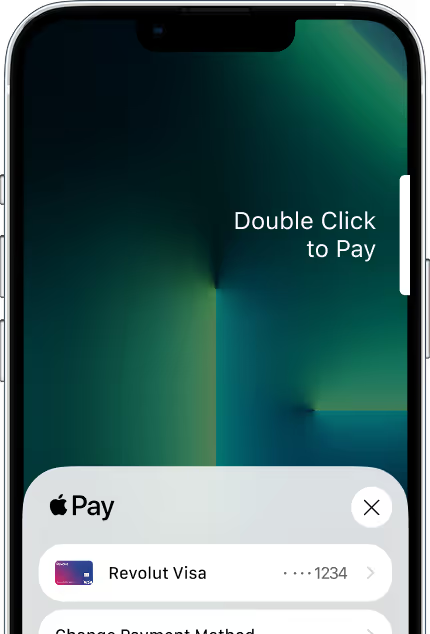
Enter the sale amount
3

Go live with local support

Call our team in Glendale whenever you need help.
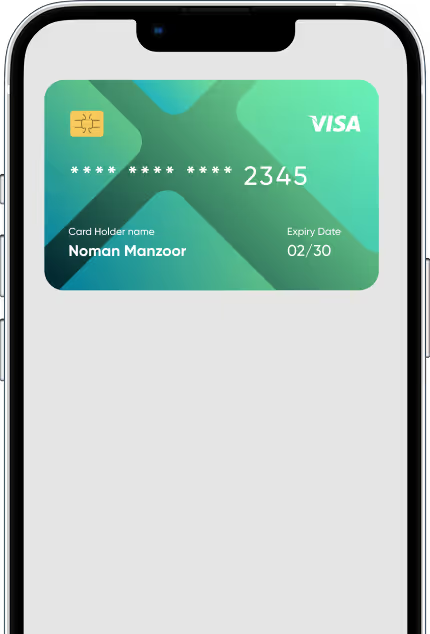
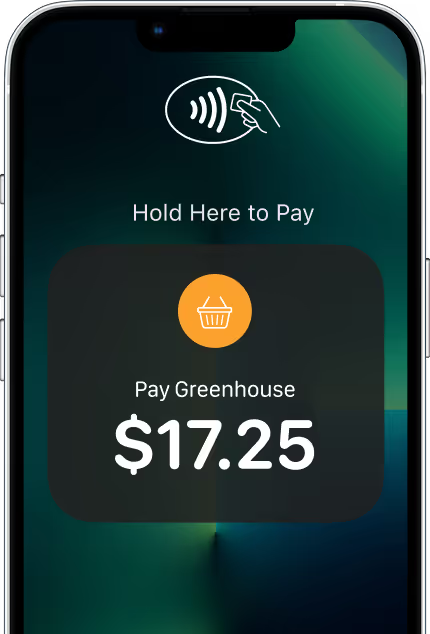
Mobile payments app on iPhone
1

Tell us about your business

What you sell, how many registers, and whether you need tables, tabs or inventory.

Enter the sale amount
2

We set up your Clover

We load your menu or products, connect your account and train your staff. Menu and inventory setup is included at no extra charge.

Enter the sale amount
3

Go live with local support

Call our team in Glendale whenever you need help.
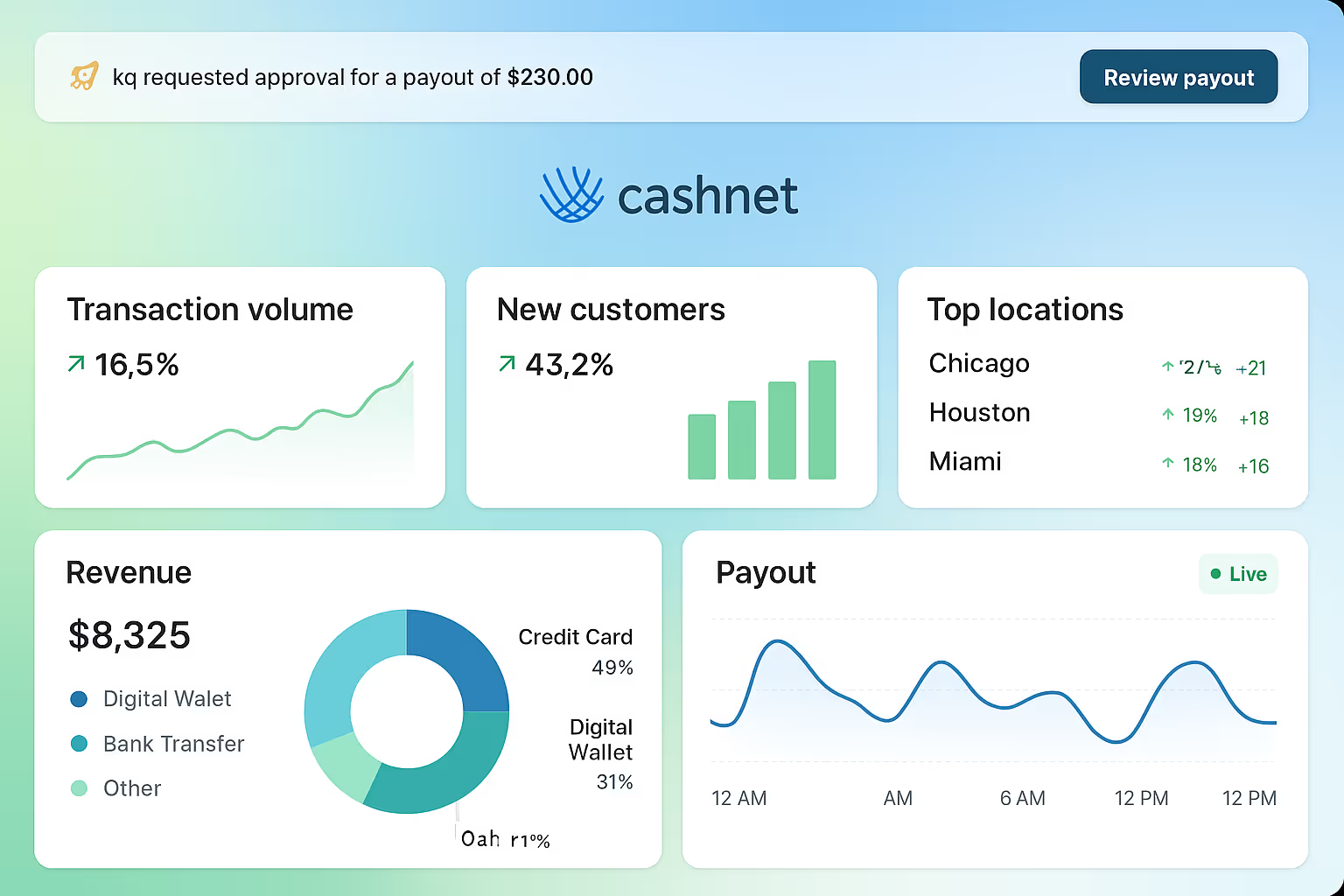
Enter the sale amount
CashNet credit card processing for U.S. businesses

Frequently Asked Questions

Straight answers about Clover POS.

Which Clover is best for a restaurant?

Most restaurants pair a Station Duo or Mini at the counter with Clover Flex handhelds for tables, plus a kitchen display. A quick-service spot may add a Kiosk. We'll recommend a setup based on your layout.

Which Clover is best for retail?

A Station Solo or Duo with a barcode scanner suits most stores. Small shops often start with a Clover Mini.

Can I move my existing Clover to CashNet?

Often, yes, depending on the device and how it was bought. Tell us your model and we'll check. First-generation devices should be upgraded.

Does Clover work with a cash discount program?

Yes. Clover can be set up for cash discount and dual pricing. We'll set it up with the right signs and receipts.

Does Clover take Apple Pay and Google Pay?

Yes. Clover devices accept chip, tap, swipe and phone wallets.

Find the right Clover for your business

Start your application or talk to our local team in Glendale. Call 877.588.2657.

Find the right Clover for your business
CashNet credit card processing for U.S. businesses